Real-Time Location Sharing: The Ultimate Family Safety App
Most families already coordinate their days through a steady stream of texts: Where are you? Are you home yet? Running late? Real-time location sharing replaces much of that back-and-forth with a quick look at a map. Used well, it is less about watching people and more about giving everyone a shared sense of calm.
This guide covers what real-time location sharing actually does, what to look for in a family safety app, and how to set it up so it supports trust in your household.
What Real-Time Location Sharing Means
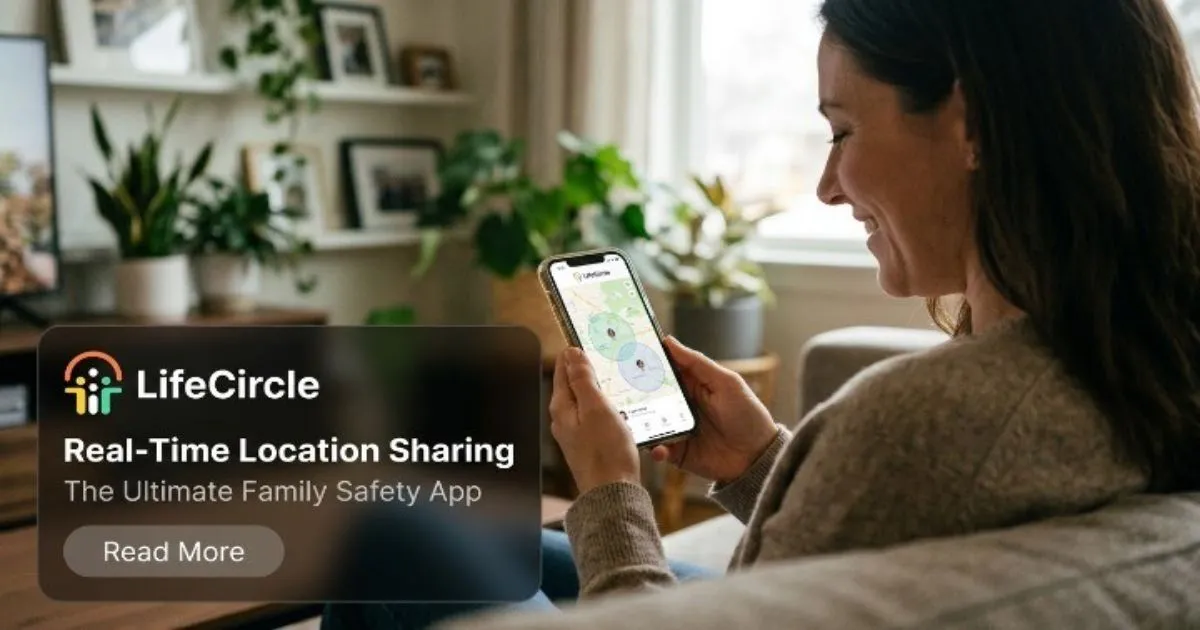
Real-time location sharing lets members of a private group see each other's current position on a live map. Instead of asking where someone is, you can check. Instead of wondering whether a teenager made it to practice, you can see it.
In LifeCircle, each member of your circle appears on a live map with their latest address and how recently they checked in. That last detail matters. A location is only useful if you know how current it is, and a recent check-in tells you far more than a pin with no context.
Why Location Is the Foundation of a Family Safety App
A family safety app can include many tools, but almost all of them build on location. Consider how the pieces connect:
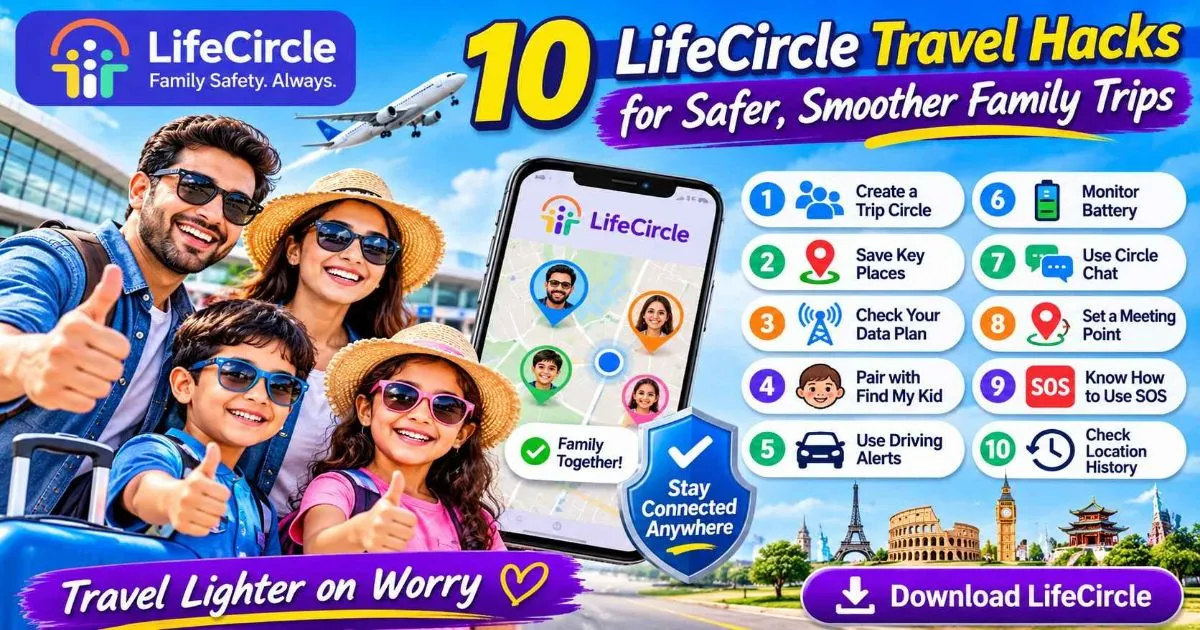
- Place alerts use location to tell you when someone arrives at or leaves a saved place, such as home, school or work.
- One-tap SOS sends your circle your location along with an emergency alert, so help knows where to go.
- Location history lets you retrace routes taken earlier in the day or week, stop by stop.
- Speed and driving alerts let you know when a family member exceeds a speed limit, opening the door to a conversation about safer driving.
Without reliable location sharing, none of these features would work. That is why it deserves the most thought when you choose and configure an app.
Practical Benefits for Everyday Family Life
Fewer worried phone calls
When a child is late coming home, the first instinct is to call repeatedly. With a live map, you can often see they are simply on their way, and save the call for when it is actually needed.
Smoother logistics
Pickups, carpools and meeting up in busy places all become easier when everyone can see where everyone else is. LifeCircle supports multiple circles, so you can keep a family circle separate from a carpool or sports team circle and control who sees what.
Early warnings before someone goes dark
A phone with a dead battery cannot share its location. Battery status alerts warn you when a loved one's phone is running low, giving you a chance to remind them to charge before they become unreachable.
Help without words
Some situations make it hard or unsafe to make a call. One-tap SOS lets a member signal for help silently, instantly sharing their location with the circle. For any genuine emergency, always contact your local emergency services as well; a family app is a complement to them, not a replacement.
Setting It Up the Right Way
The technology is simple. The conversation around it is what determines whether it helps or harms family relationships.
Talk before you install
Explain why you want to use location sharing. Frame it around safety and convenience, not suspicion. Older children and teenagers in particular respond better when they understand the reasoning and have a say in the rules.
Agree on clear expectations
Sit down together and decide:
- Who will be in each circle.
- Which places you will save for alerts, such as home and school.
- When it is acceptable to check the map, and when it is not.
- What happens if someone pauses sharing.
Respect privacy
LifeCircle is private by design. Circles are invite-only through a unique code, and members can pause sharing or leave a circle whenever they like. Being open about these controls shows that the goal is mutual reassurance, not surveillance.
Share both ways
Location sharing feels fairer when parents share too. If you expect your teenager to be visible on the map, be visible yourself.
A Dedicated Option for Younger Children
Younger children often have different needs from teens and adults. LifeCircle offers a separate app, LifeCircle: Find My Kid, which children install on their own device. It pairs with a parent's phone using a code, while parents continue to use the Family & Friends app. You can learn more on the Find My Kid page.
Find My Kid is included with the Gold plan for one child and with Platinum for up to ten children. Platinum also includes parent and kid smartwatch support, which can suit children who are not ready for a phone.
Choosing the Right Level of Coverage
Consider how many people and places you need to cover, and how far back you want to look:
- Silver covers 3 circles of up to 5 members each, 3 place alerts per circle, live tracking with 2 days of history, plus speed and battery alerts and in-app chat.
- Gold expands to 5 circles of up to 10 members, 5 place alerts per circle and 7 days of history, and adds Find My Kid for one child, walkie-talkie (PTT), offline and no-network alerts, and an ad-free experience.
- Platinum offers unlimited circles, members and place alerts, 14 days of history, and Find My Kid for up to ten children.
You can compare the details on our plans section or browse all features.
Making It a Healthy Habit
A few habits help location sharing stay useful over time:
- Revisit your rules as children grow and gain independence.
- Use circle chat for quick check-ins instead of constant calls.
- Keep saved places up to date when schedules change.
- Treat an unexpected location as a reason to ask, not to accuse.
If you have questions while getting started, our help center walks through setup step by step.
Getting Started
Real-time location sharing works best when it is built on honest conversation and clear boundaries. Once those are in place, it becomes a quiet background tool that helps everyone feel more connected. When you are ready, you can download LifeCircle and set up your first circle in a few minutes.