Family safety, reimagined

Wherever they go, know they’re okay.

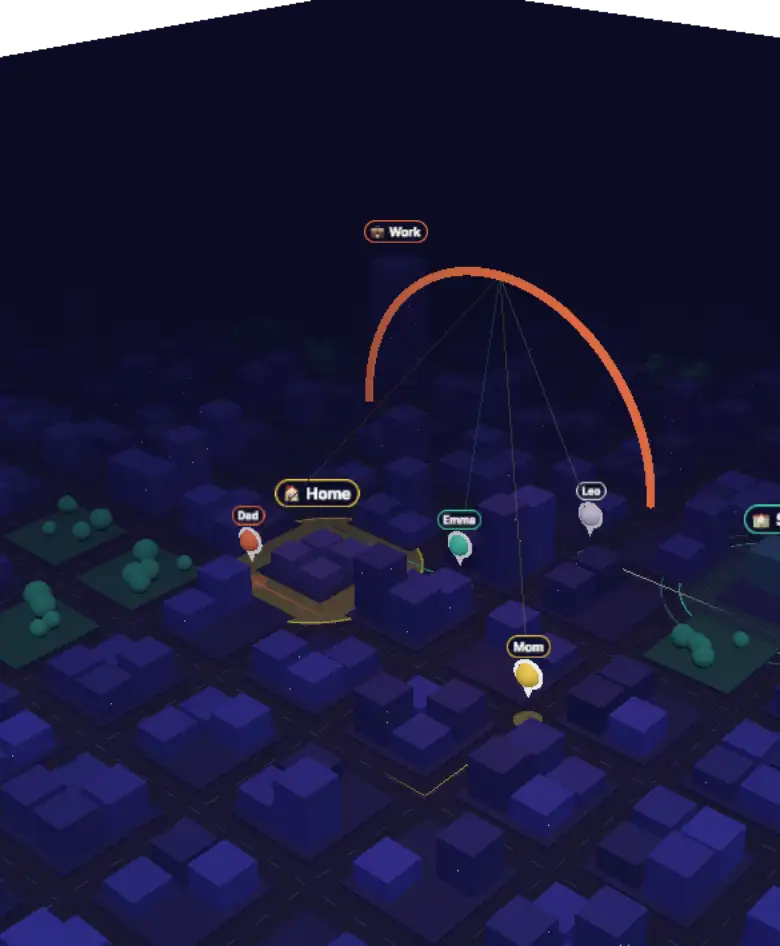
See your whole circle on one living map — with arrival alerts, one-tap SOS and a dedicated app for kids — and let the peace of mind sink in.

Livelocation updates
1 tapSOS alerts
2 appsfor parents & kids
Everyday peace of mind

Close to your people, wherever they are.

From the school run to the late drive home, LifeCircle quietly keeps you in the loop.

Features

Everything your family needs to feel close

Built for the moments that matter — the school run, the late drive home, the trip abroad.

Real-time location

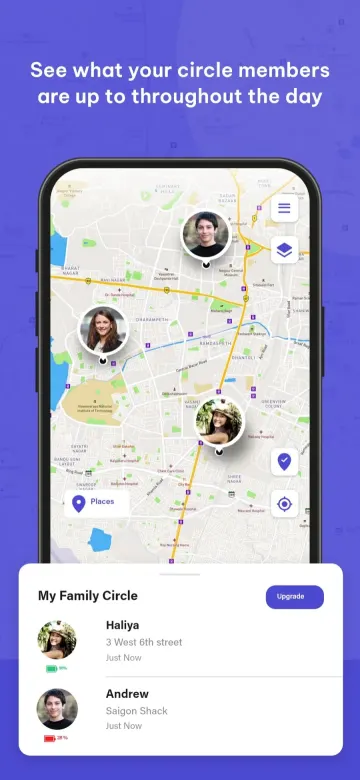
See every member of your circle on a live map, with their latest address and how recently they checked in.

Place alerts

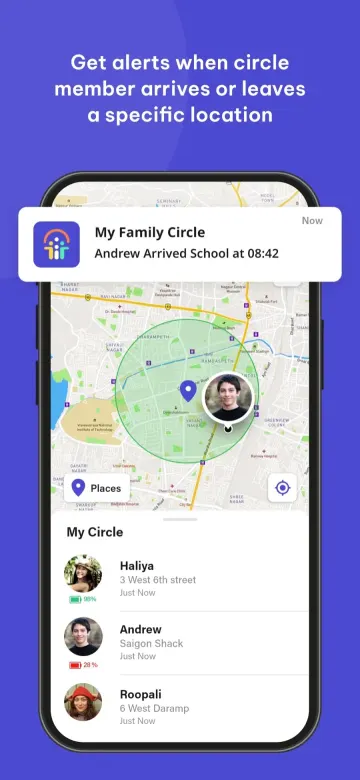
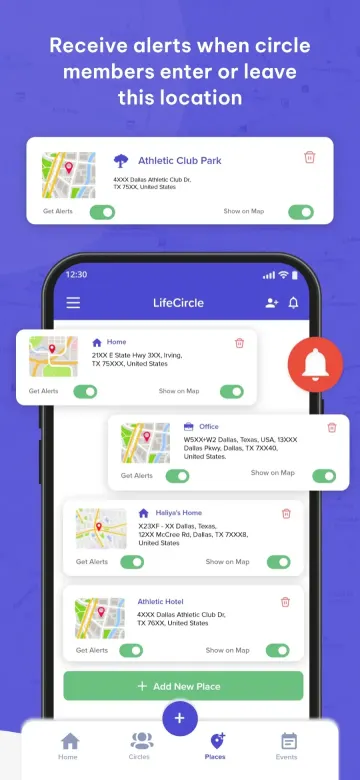
Save places like home, school or work and get notified the moment someone arrives or leaves.

One-tap SOS

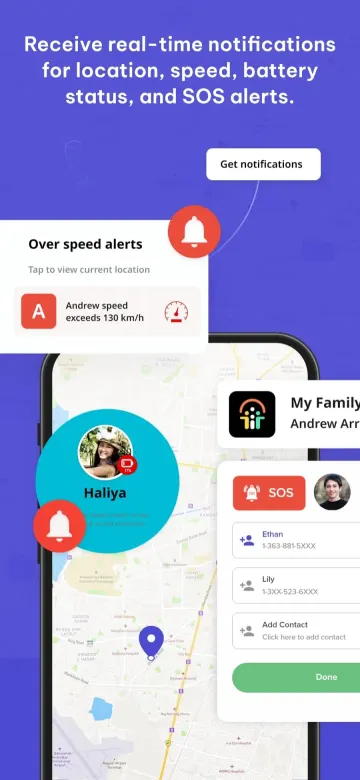
Signal for help without saying a word. Your circle instantly gets your location and an emergency alert.

Location history

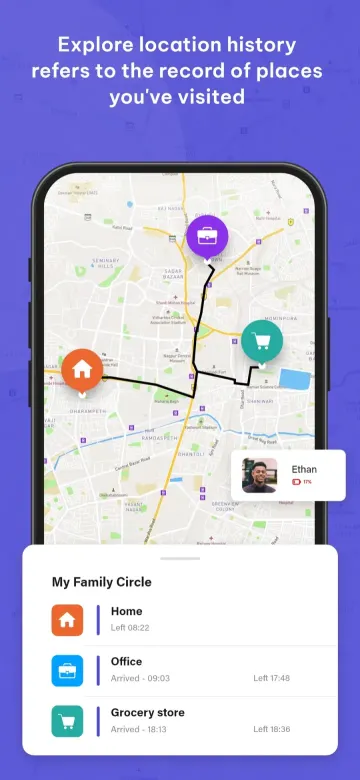
Retrace the routes your family took today or earlier in the week, stop by stop.

Speed & driving alerts

Know when a family member exceeds a speed limit so you can talk about safer driving.

Battery status

Get warned when a loved one’s phone is running low — before they go dark.

See all features →

Inside the app

Everything your circle needs, in one app

Take a quick tour of LifeCircle — straight from the App Store and Google Play.

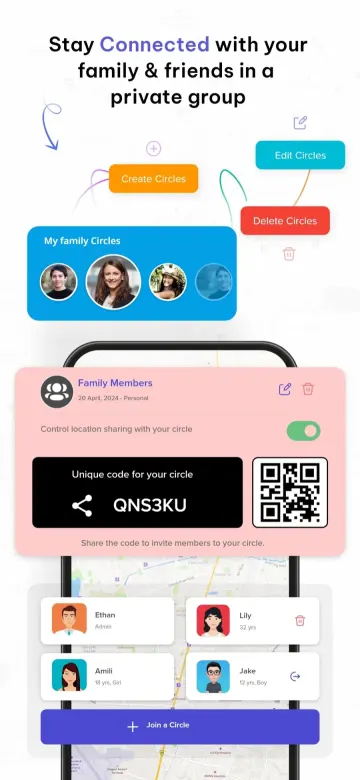
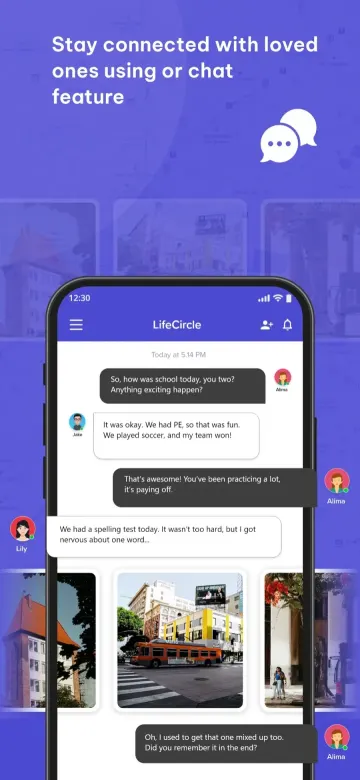
Private circles — LifeCircle app screenshot Live family map — LifeCircle app screenshot Arrival & departure alerts — LifeCircle app screenshot Real-time notifications — LifeCircle app screenshot Places you care about — LifeCircle app screenshot Circle chat — LifeCircle app screenshot Location history — LifeCircle app screenshot
Find My Kid

A dedicated, kid-safe app — paired in seconds

Install LifeCircle on your phone and LifeCircle: Find My Kid on your child’s. Link them with a code and you’re done.

Install the parent app

Download LifeCircle: Family & Friends on your phone to see and manage your child’s location.

Install the kid app

Put LifeCircle: Find My Kid on your child’s device so it can securely share its location.

Connect the devices

Enter the unique code from the kid’s app to pair both devices — no accounts for kids to manage.

Plans

A plan for every circle

From a few close friends to the whole extended family — pick the plan that fits, and change it any time.

Silver

See pricing in the app

The essentials for a small circle.

  • 3 circles, 5 members each
  • 3 place alerts per circle
  • Live tracking & 2 days of history
  • Speed & battery alerts
  • In-app chat & notification history
  • 20+ languages

Optional add-onsWalkie-talkie (PTT) +$1 · Ad-free +$1

Choose Silver

Platinum

See pricing in the app

Everything in Gold, plus:

  • Unlimited circles & members
  • Unlimited place alerts
  • 14 days of location history
  • Find My Kid for up to 10 children
  • Parent & kid smartwatch support included
Choose Platinum
Compare all features
Feature Silver Gold Platinum
Circles 3 Unlimited
Members per circle 5 Unlimited
Places / geofence alerts 3 per circle Unlimited
Live tracking ✓ ✓
Location history 2 days 14 days
Find My Kid (standalone kid app) — Up to 10 kids*
Speed alerts ✓ ✓
Battery alerts ✓ ✓
Offline / no-network alerts — ✓
In-app chat ✓ ✓
Notification history ✓ ✓
Cross-circle activity ✓ ✓
Walkie-talkie (push-to-talk) $1 add-on ✓
Parent smartwatch support — Included
Kid smartwatch connect — Included
Multi-language (20+) ✓ ✓
Ad-free $1 add-on Included

* Need more than 10 kids on Platinum? Contact us. Get in touch →

Upgrade, change or cancel your plan any time from the app.

Download

Two apps, one circle

Available free on iPhone and Android.

Loved by families around the world

Get family-safety tips, new features and parenting guides in your inbox. One email a month, no spam.

FAQ

Questions, answered

Is LifeCircle free?

Yes — both apps are free to download on the App Store and Google Play. Optional membership plans unlock extra features for larger circles.

What is the difference between the two apps?

LifeCircle: Family & Friends is the main app for parents, partners and friends. LifeCircle: Find My Kid is a lightweight app for your child’s phone that pairs with the parent app.

How do I invite someone to my circle?

Open your circle in the app and share its unique invite code or QR code. When they enter it, they join your circle.

Can I be in more than one circle?

Yes. Create separate circles for family, friends or a carpool, and choose what each one sees.

Who can see my location?

Only the people in circles you have joined. Circles are private and invite-only, and you can pause sharing or leave a circle at any time.

How does SOS work?

Tap SOS in the app and everyone in your circle immediately receives an alert with your live location.

Visit the help center →