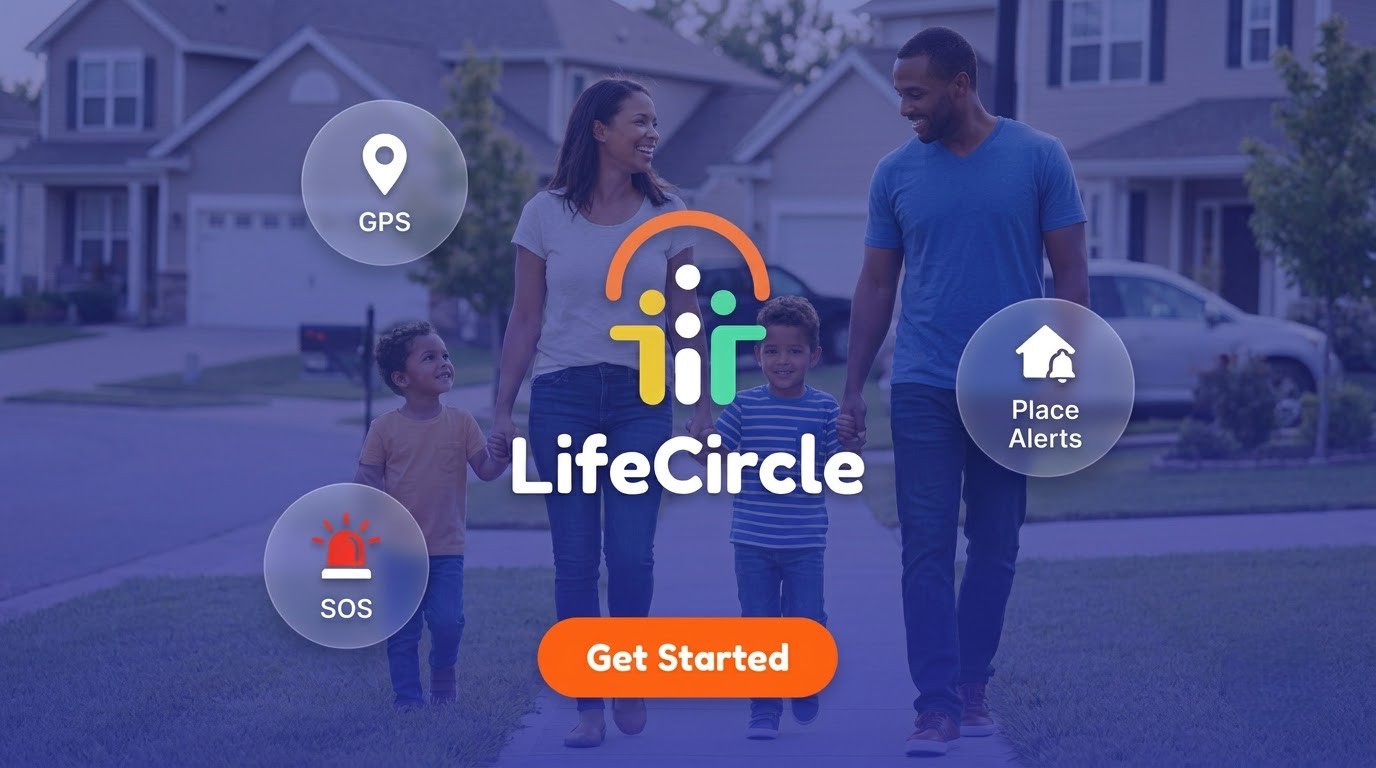
How to Keep Your Family Safe with Real-Time Location Sharing
Between school runs, late shifts, sports practice and teens heading out with friends, keeping track of everyone can feel like a full-time job. Family location sharing won't replace good communication, but it can take a lot of the guesswork and worry out of everyday life.
This guide covers how to introduce location sharing to your family, how to set it up in LifeCircle (some people search for it as Life Circle), and which features actually help day to day.
Why real-time location sharing helps families
The biggest benefit isn't surveillance. It's peace of mind and fewer "Where are you?" texts.
A good location sharing app helps you:
- Coordinate faster. See that your partner is five minutes from the grocery store and ask them to grab milk.
- Worry less. Know your teen arrived at a friend's house without making them call in.
- Respond quickly when something goes wrong. If someone needs help, the people who care about them can see where they are.
Real-time GPS tracking works best when it's a shared tool everyone agrees on, not something done to someone.
Start with a conversation, not an app
Before anyone downloads anything, sit down together and talk it through. This matters even more with teenagers, who reasonably want some independence.
Some questions worth discussing:
- Why are we doing this? (Safety, convenience, peace of mind.)
- Who can see whose location?
- When is it okay to pause sharing, and should we let each other know?
- What will we do with the information, and what won't we do?
Make it two-way. When parents share their location too, it feels less like monitoring and more like a family habit.
Setting up your first circle
LifeCircle organizes people into circles, which are private, invite-only groups. Getting started is simple:
- Download LifeCircle: Family & Friends on your phone.
- Create a circle, for example "Family."
- Share the unique invite code with the people you want to add.
- Once they join, everyone appears on a live map with their latest address and how recently they checked in.
You can also create separate circles for different parts of life, such as friends, a carpool or a sports team, so each group only sees what it needs to.
Features that make a real difference
A family safety app is only useful if it fits into everyday routines. Here are the features that tend to matter most. You can explore them all on our features page.
Place alerts
Save places like home, school or work and get notified when someone arrives or leaves. No more refreshing the map or waiting for a text that says "I'm here."
Battery status
A dead phone is one of the most common reasons families lose touch. LifeCircle warns you when a loved one's battery is running low, so you can remind them to charge before they go dark.
One-tap SOS
If someone feels unsafe, they can signal for help without saying a word. The circle instantly gets their location and an emergency alert. Treat SOS as a way to reach your people, not a substitute for emergency services. In an emergency, always contact your local emergency number.
Speed and driving alerts
For families with new drivers, speed alerts let you know when someone goes over a set limit. Use these as conversation starters about safer driving, not as a reason for punishment.
Location history
Retrace the routes your family took today or earlier in the week, stop by stop. This is handy for things like figuring out where a lost backpack might have been left.
Circle chat
Message the whole circle in one private space, right next to the map. It's ideal for quick check-ins like "Running late, start dinner without me."
Keeping younger kids connected
For children, there's a dedicated app: LifeCircle: Find My Kid. Your child installs it on their phone and pairs it with yours using a code. You then see them from your Family & Friends app.
Find My Kid is included with Gold (for one child) and Platinum (for up to 10 children). Platinum also includes parent and kid smartwatch support, which can be a good option for children who aren't ready for a phone. Learn more on the Find My Kid page.
Whatever their age, explain in simple terms what the app does and why. Kids are more likely to keep it on when they understand it's there to help them.
Privacy habits worth building
LifeCircle is private by design. Circles are invite-only, and anyone can pause sharing or leave a circle whenever they like. A few habits help keep it that way:
- Only share invite codes with people you trust.
- Review your circles now and then. Remove people who no longer need access, like last season's carpool.
- Respect pauses. If a teen pauses sharing, talk about it calmly rather than assuming the worst.
- Keep each circle focused. Your friends circle doesn't need to see your kids' school location.
Choosing the right plan
LifeCircle offers three membership plans:
- Silver: 3 circles with 5 members each, 3 place alerts per circle, live tracking with 2 days of history, plus speed and battery alerts and in-app chat.
- Gold: 5 circles with 10 members each, 5 place alerts per circle, 7 days of history, Find My Kid for one child, walkie-talkie (PTT), offline/no-network alerts, and no ads.
- Platinum: Unlimited circles, members and place alerts, 14 days of history, Find My Kid for up to 10 children, and smartwatch support.
Smaller households often do fine with Silver, while families with younger kids or busy schedules may prefer Gold or Platinum.
A few final tips
- Set up place alerts for the spots that matter most first, usually home and school.
- Do a quick test of SOS together so everyone knows how it works.
- Revisit your family agreement as kids get older and need more independence.
If you have questions while setting things up, our help center is a good place to start.
Ready to give it a try? You can download LifeCircle here and set up your first circle in a few minutes.